MP3 Player Not Working? Common Issues and How to Fix Them
MP3 player not working? About 80% of issues are fixed with a quick reset, file conversion, or fresh charge. Follow these step-by-step troubleshooting tips.
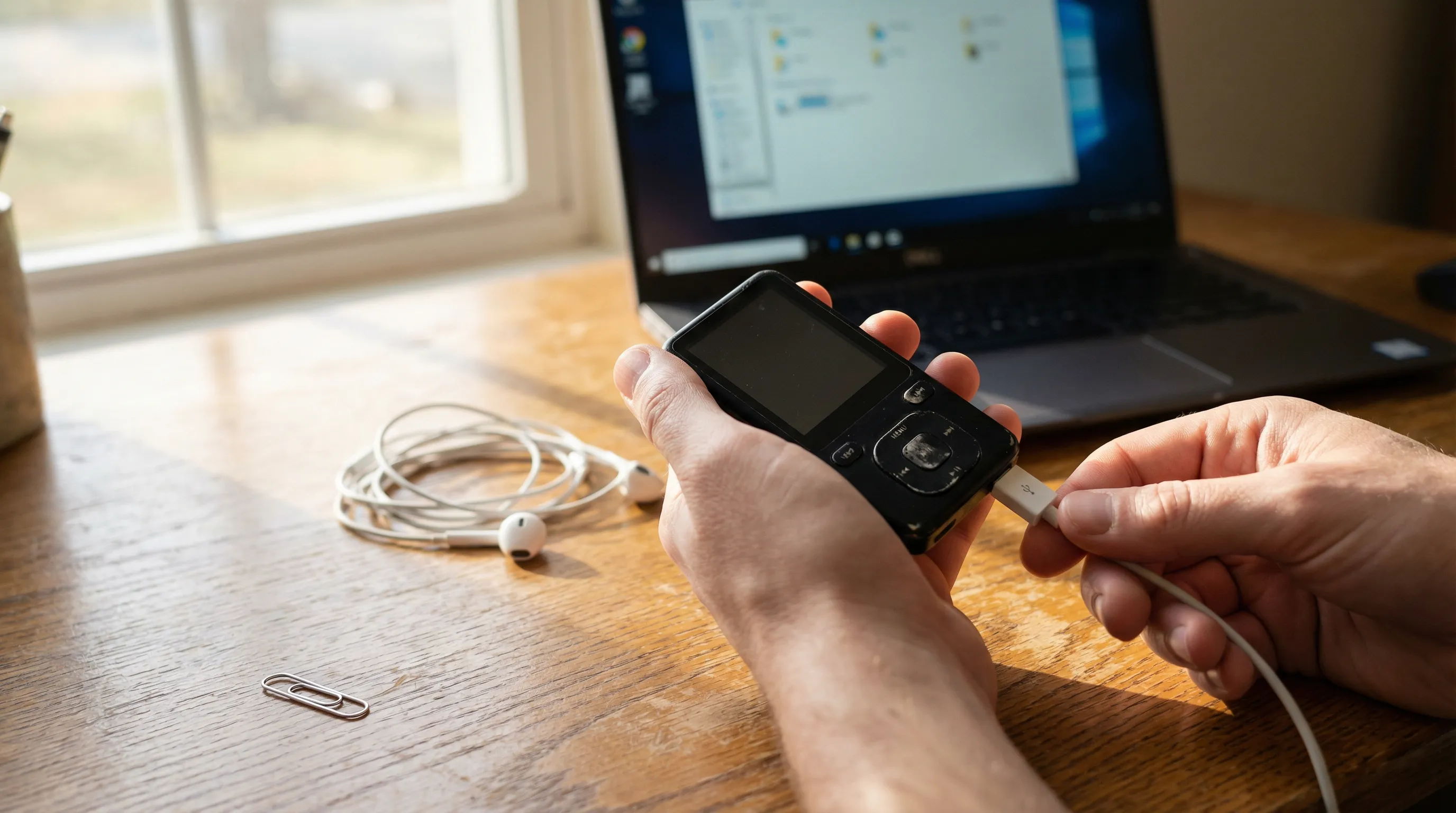
Your MP3 player was working fine yesterday. Today, nothing. Maybe the screen's blank. Maybe it turns on but won't play a single track. Or maybe it's frozen on a screen you can't escape.
Before you toss it in a drawer and order something new, most MP3 player problems have simple fixes. We've helped thousands of customers troubleshoot their devices, and the truth is, about 80% of "broken" MP3 players just need a quick reset, a file format change, or a fresh charge.
Let's walk through the most common reasons your MP3 player isn't working, and exactly what to do about each one.
Why Your MP3 Player Might Have Stopped Working
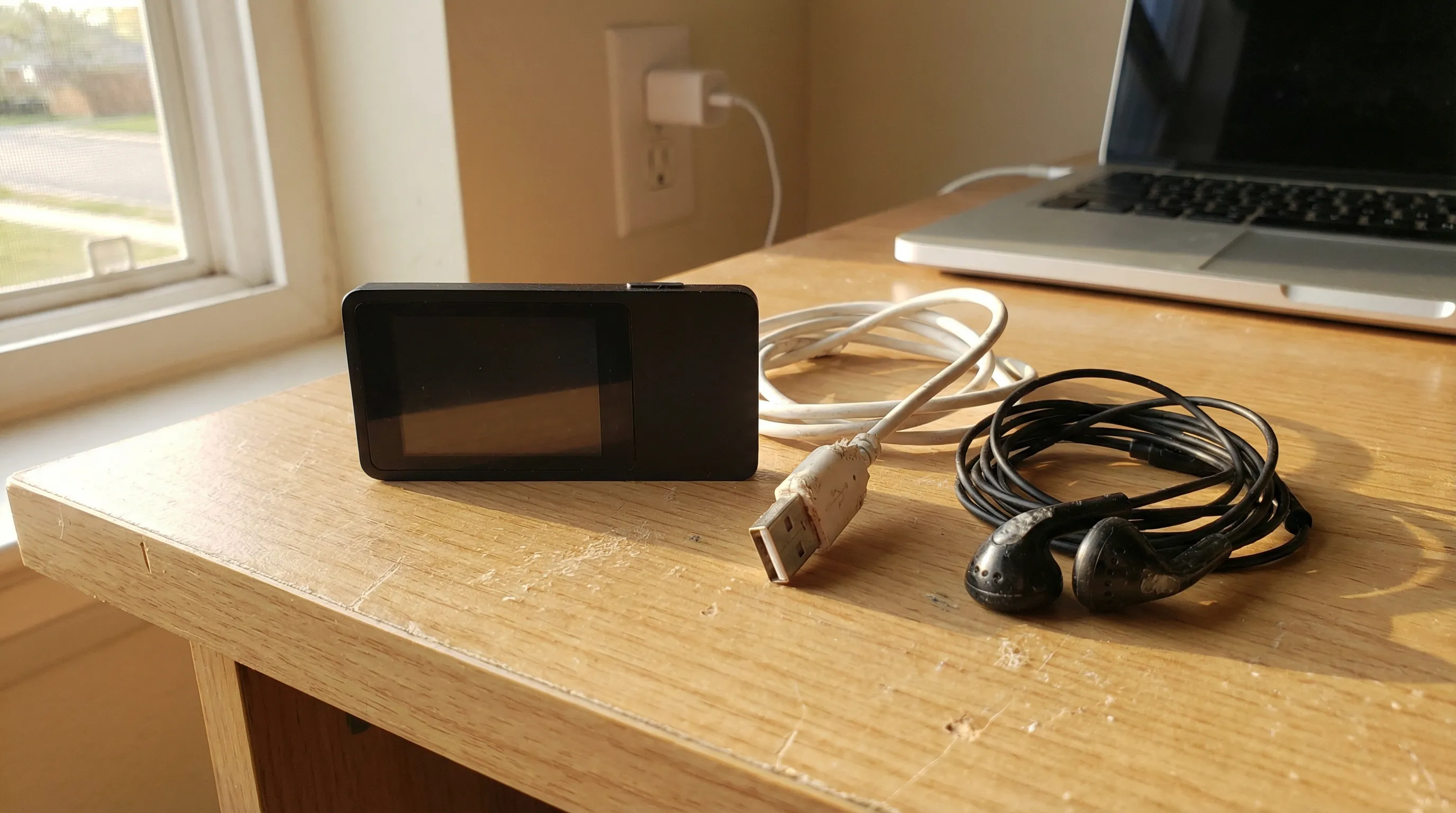
MP3 players are simple devices, which is part of their appeal. But "simple" doesn't mean "nothing can go wrong." The good news is that the list of things that typically fail is pretty short:
- Battery or charging problems, the most common culprit by far
- Corrupted or unsupported audio files, your player can't read what you loaded onto it
- Software freezes, the device locks up and stops responding
- Headphone or audio output failures, everything looks fine, but there's no sound
- Storage or file transfer errors, songs won't copy over, or they disappear
The trick is figuring out which one you're dealing with. Let's start with the basics.
Battery and Charging Problems
If your MP3 player won't turn on at all, start here. A dead battery is the single most common reason players stop working, and the fix is usually straightforward.
First, plug it in and wait. Give it at least 15–20 minutes on the charger before you try powering it on. Some devices won't respond at all until they've built up a minimum charge. If the charging indicator doesn't appear, try a different USB cable. Cables fail more often than the devices themselves, frayed wires, bent connectors, or a cable that's just worn out from use.
Also try a different power source. Switch from a laptop USB port to a wall adapter, or vice versa. Some computer USB ports don't deliver enough power to charge devices reliably, especially older ports.
If you've had the player for a couple of years and the battery drains much faster than it used to, the battery itself may be reaching end of life. Rechargeable lithium batteries degrade over hundreds of charge cycles. That's normal wear, not a defect.
For players that use a clip-on design or compact form factor, battery capacity tends to be smaller, so keeping a regular charging routine helps extend the battery's lifespan.
Corrupted or Unsupported Audio Files
Your MP3 player turns on. The menu works. But when you go to play music... nothing's there. Or the songs appear but won't play.
This is almost always a file format issue. Even though the name "MP3 player," not every audio file on your computer is actually in MP3 format. Files downloaded from certain music services may be in AAC, WMA, FLAC, or other formats your player can't read. The device simply skips over files it doesn't recognize.
Here's what to do:
- Check the file format. Right-click any music file on your computer, select Properties (Windows) or Get Info (Mac), and look at the file type. If it says anything other than .mp3, that's likely your problem.
- Convert to MP3. Free tools like VLC Media Player, Audacity, or online converters can batch-convert files to standard MP3 format. Aim for 128–320 kbps for good sound quality without eating up storage.
- Avoid DRM-protected files. Some streaming services lock their downloads so they only play in that service's app. Those files won't work on a standalone MP3 player regardless of format.
Once you've converted your files, reload them onto the player and check again. This fixes the issue about 90% of the time.
Software Freezes and Glitches
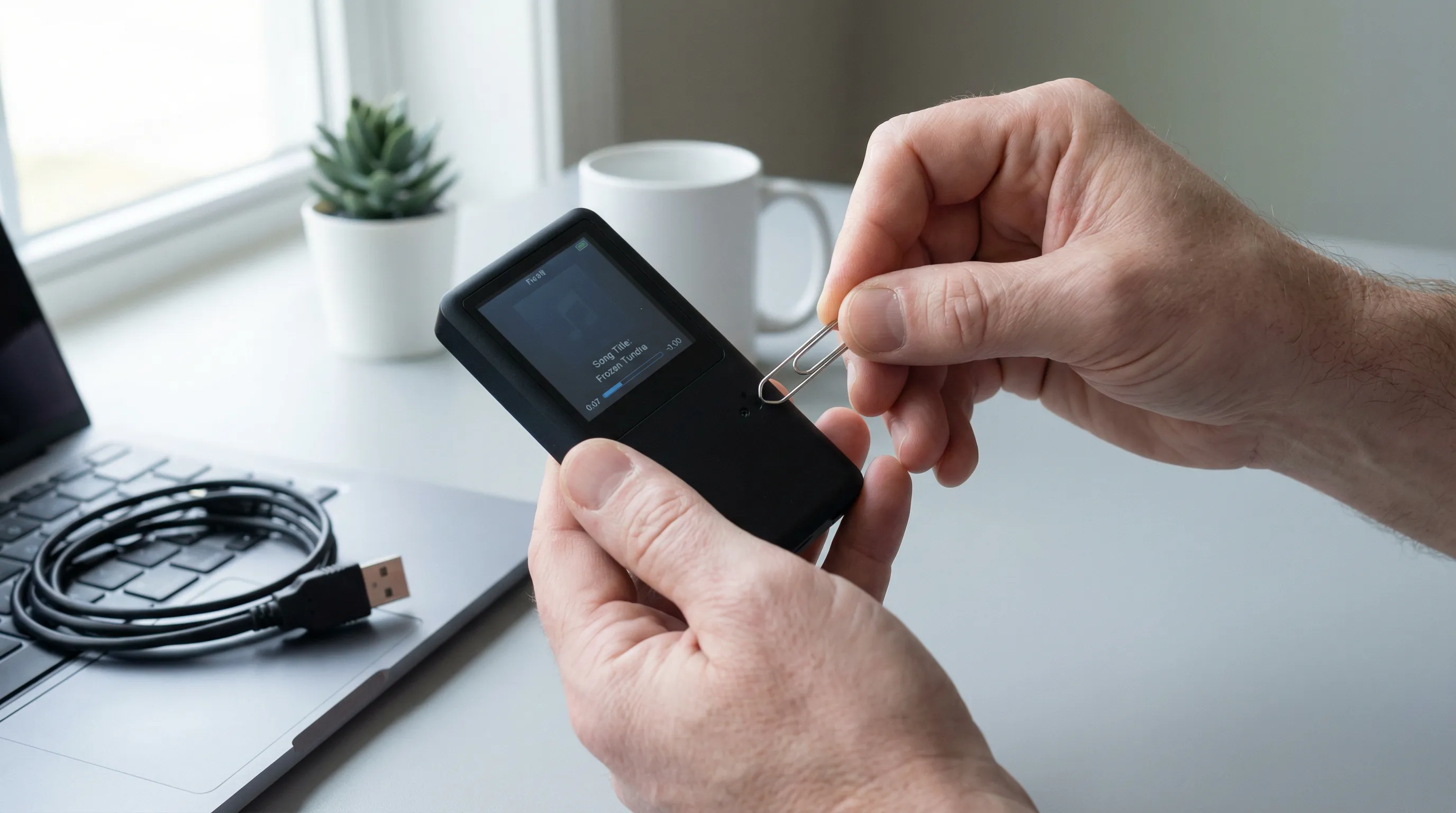
You press a button. Nothing happens. The screen is on, maybe even showing the last song you played, but the device is completely unresponsive. It's frozen.
This happens to every electronic device eventually. MP3 players run on basic firmware, a tiny operating system, and sometimes that firmware hiccups. Maybe a file transfer got interrupted. Maybe the battery died mid-operation. Whatever the cause, a frozen player usually isn't broken. It's stuck.
How to Reset Your MP3 Player
Most MP3 players have a small reset button, often a tiny pinhole on the side or back of the device. Grab a paperclip or SIM tool, press and hold the reset button for about 3 seconds, then release.
This is a soft reset. It restarts the device and restores default settings without deleting your music or files. Think of it like restarting your computer, everything you saved is still there when it comes back on.
After the reset, connect the player to a power source and let it charge for a few minutes before using it normally.
If the freeze keeps happening:
- Check the manufacturer's website for firmware updates. Outdated firmware can cause recurring glitches. Download the update file, connect your player to your computer, and follow the installation instructions.
- Important: Firmware upgrades typically erase all stored files. Back up your music to your computer before updating.
- If your player freezes every time you play a specific song, that file is probably corrupted. Delete it and re-transfer a fresh copy.
Players with larger touchscreens and more complex interfaces may occasionally need firmware updates to stay running smoothly, just like any device with an operating system. Check for updates once or twice a year as a good habit.
Headphone and Audio Output Issues
Everything seems to work, the screen turns on, songs are listed, the play button responds, but there's no sound. Or the sound cuts in and out. Or it only plays through one ear.
Before you panic, work through this checklist:
1. Check the obvious stuff first.
Is the volume turned up? Sounds silly, but some players reset volume to zero after a restart or firmware update. Press volume up a few times and try again.
2. Inspect the headphone jack.
Look inside the 3.5mm port for lint, dust, or debris. Pocket lint is a notorious culprit, it gets packed into the jack over time and prevents headphones from making a solid connection. A can of compressed air or a wooden toothpick (gently.) can clear it out.
3. Try different headphones.
This is the fastest way to figure out whether the problem is the player or the headphones. Plug in a different pair. If they work fine, your original headphones are the issue. If neither pair works, the player's audio jack or internal speaker may be damaged.
4. Test Bluetooth (if your player supports it).
Pair the player with a Bluetooth speaker or wireless earbuds. If audio works over Bluetooth but not through the headphone jack, the 3.5mm port is likely damaged. Many of our Greentouch and Samvix players support Bluetooth, so wireless listening is a solid workaround if the wired jack is giving you trouble.
5. Check for a headphone mode glitch.
Some players get "stuck" thinking headphones are plugged in when they're not (or vice versa). A reset usually clears this. Insert and remove the headphone plug a few times firmly, then try playing audio through the speaker.
Storage and File Transfer Troubleshooting
You connect your MP3 player to your computer, drag your music files over... and they don't show up on the device. Or the transfer fails halfway through. Or the player says it's full when you know it shouldn't be.
Here's how to sort it out.
The computer doesn't recognize the player.
Try a different USB port. Front panel ports on desktop computers are sometimes unreliable. Use a port directly on the back of the machine, or try a different computer entirely. Also try a different USB cable, we keep coming back to this because cables are the weakest link in any setup.
On Windows, open File Explorer and look for the device under "This PC." On Mac, check Finder. If the player still doesn't show up, the USB drivers may need updating, or the player may need a reset (see above).
Files transfer but don't appear on the player.
Most MP3 players look for music in a specific folder, usually called "Music" or "MUSIC" at the root level. If you drop files into random folders or nested subdirectories, the player might not find them. Drag your MP3 files directly into the main music folder.
Also, some players need to rebuild their media library after new files are added. Disconnect the player safely ("eject" it properly rather than just unplugging), then give it a minute to scan and index new content.
Storage seems full but shouldn't be.
Hidden files, system files, or leftover data from interrupted transfers can eat up space. Connect the player to your computer, enable "Show hidden files" in your file explorer settings, and delete anything that doesn't belong. If the problem persists, you can format the storage, but this deletes everything, so back up your music first.
For players with expandable storage via MicroSD cards, make sure the card is properly seated. Remove it, blow on the contacts gently, and reinsert it. If a MicroSD card is corrupted, you may need to format it on your computer before using it again.
When to Replace vs. Repair Your MP3 Player
So you've tried everything above and the player still isn't cooperating. Now what?
Here's a honest framework for deciding whether to repair or replace.
Replace if:
- The battery no longer holds a charge and can't be swapped out (most MP3 players have sealed batteries)
- The headphone jack is physically broken and the player doesn't support Bluetooth
- The screen is cracked or unreadable
- The device is 3+ years old and has multiple issues stacking up
- Repair costs approach 50% or more of what a new player costs
Repair (or keep troubleshooting) if:
- The issue is software-related (firmware, file formats, freezing)
- A reset or firmware update fixes the problem
- Only one component is failing (like a scratchy volume button) and everything else works
- The device is relatively new
The reality is that standalone MP3 players are affordable enough that replacement often makes more sense than repair. A quality player from a reputable brand costs between $70 and $180, and you'll get modern features, better battery life, and improved sound quality compared to an aging device.
If your current player has served you well for years, it owes you nothing. Sometimes the best fix is a fresh start.
Choosing a Reliable MP3 Player That Lasts
If you've decided it's time for a new player, or you want a backup so you're not caught without music again, here's what to look for.
Build quality matters. Cheap players with flimsy buttons and thin plastic shells are more likely to fail early. Look for solid construction, responsive controls, and a screen that's easy to read.
Storage flexibility. Players with expandable MicroSD storage give you room to grow your library without running out of space. The Greentouch Klip Mini comes in a 64GB version with MicroSD expansion, while the 128GB version gives you plenty of built-in space. The Greentouch Six Player offers the same storage options in a premium form factor with Bluetooth support.
Bluetooth connectivity. Being able to pair with wireless earbuds or a car speaker system is a huge convenience. Most modern players include Bluetooth 5.0 or higher, which means stable connections and decent range.
Battery life. Look for players rated at 10+ hours of continuous playback. This ensures you can get through a full day, or a long road trip, without scrambling for a charger.
No internet, no distractions. One of the biggest advantages of a standalone MP3 player is that it does one thing well: play music. No notifications. No social media. No ads interrupting your playlist. If you've been burned by devices that try to do too much and end up failing at everything, a dedicated music player is refreshingly simple.
We carry a full range of MP3 players from trusted brands like Greentouch and Samvix. Every player we sell is internet-free and built to last. Whether you want a compact clip-on for workouts or a touchscreen player with a large library capacity, there's an option that fits.
And if you want to protect your investment, a quality case goes a long way toward preventing the drops and scratches that lead to hardware failures down the road.
Looking for Something Different?
If your main goal is distraction-free entertainment beyond music, we carry a range of screen-free devices. The Samvix Q6 MP3 Player features a 4-inch touchscreen, 32GB of storage, and dual cameras, it's more than just a music player. And for kids, the Samvix 3DX Game Console offers entertainment without internet access.
Why KosherSignal
When your MP3 player stops working, the last thing you want is to spend hours researching replacements and hoping for the best. We carry every player we recommend, from the compact Greentouch Klip Mini starting at $69.99 to the feature-packed Samvix Q6 at $179.99. Every device ships configured and ready to use. Our 24/6 live chat team can help you troubleshoot your current player or find the right replacement based on your actual needs, not guesswork. We ship nationwide, and we're happy to walk you through file transfers, resets, or anything else over chat.
Conclusion
Most MP3 player problems come down to a handful of fixable issues: dead batteries, wrong file formats, frozen software, or loose connections. Work through the troubleshooting steps above before giving up on your device. A simple reset or file conversion solves the problem more often than you'd expect.
But if your player has genuinely reached the end of its life, replacing it with a reliable, internet-free MP3 player is one of the easiest upgrades you can make. No guesswork, no distractions, just music that works when you press play.
Frequently Asked Questions
Why is my MP3 player not working even though it's charged?
If your MP3 player is charged but not working, the issue is likely a software freeze or corrupted audio files. Try a soft reset by pressing the pinhole reset button for 3 seconds with a paperclip. If songs appear but won't play, your files may be in an unsupported format—convert them to standard MP3.
How do I fix an MP3 player that won't turn on?
Start by plugging it into a charger for at least 15–20 minutes, as some devices won't respond until they reach a minimum charge. Try a different USB cable and power source, since cables fail more often than players. If it still won't turn on, use the pinhole reset button to force a restart.
What audio file formats do MP3 players support?
Most standalone MP3 players support .mp3 files at 128–320 kbps. Files in AAC, WMA, FLAC, or DRM-protected formats from streaming services often won't play. Use free tools like VLC or Audacity to convert unsupported files to MP3 format before transferring them to your device.
How do I transfer music to my MP3 player correctly?
Connect your player via USB cable and drag MP3 files directly into the main "Music" folder at the root level. Avoid placing files in nested subdirectories, as many players won't detect them. Always eject the device safely before unplugging so the player can scan and index new content.
When should I replace my MP3 player instead of repairing it?
Replace your MP3 player if the battery no longer holds a charge, the headphone jack is physically broken without Bluetooth support, or multiple issues are stacking up on a device over 3 years old. Quality internet-free MP3 players from brands like Greentouch and Samvix start at around $69.99.
What should I look for in a reliable MP3 player?
Look for solid build quality, expandable MicroSD storage, Bluetooth 5.0 connectivity, and 10+ hours of battery life. Internet-free players like the Greentouch Klip Mini (64GB–128GB) or the Greentouch Six Player with Bluetooth offer distraction-free listening without ads or notifications.













































.svg)